Telegram is one of the most popular instant messaging applications in the world. The app has many more features than close rivals like WhatsApp and Facebook Messenger. It also focuses on privacy aspects with features like end-to-end encryption for messages and calls.
If you are a Telegram user, you have probably come across situations where you want to delete a message after sending it. It could be due to any reason and whatever it may be, we are here to help you. This tutorial will explain how you can delete messages yourself on Telegram.
Delete messages for you on Telegram
- Launch the Telegram application on your smartphone.
- Open the conversation in which you want to delete the message.
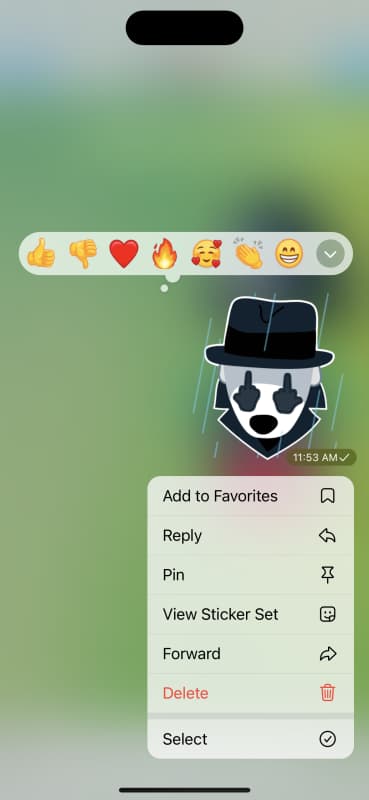
- Press and hold the message you want to delete. Tap Delete if you want to delete only one message.
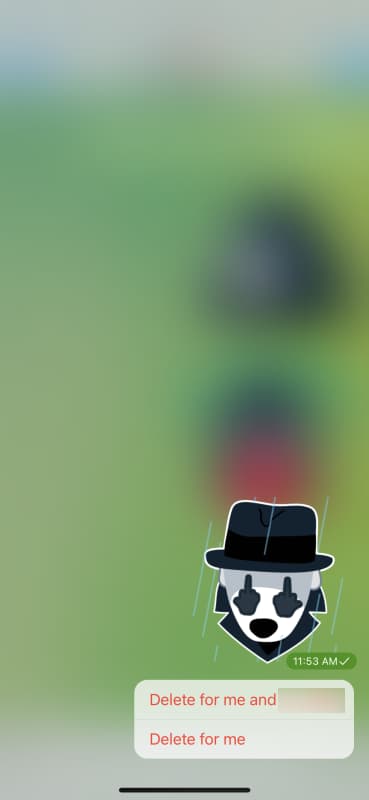
- Tap Delete for me if you want to delete the message just for you. Choose Delete for me and username to delete the message for both users (sender and recipient).
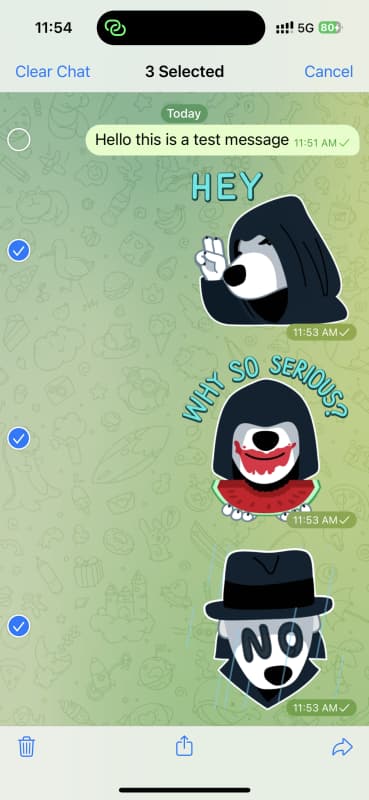
- If you want to delete multiple messages, tap Select from the list of options in step 3.
- The app will show you a circular icon on the left side to select multiple messages. Tap the trash icon in the lower left corner to delete selected messages.
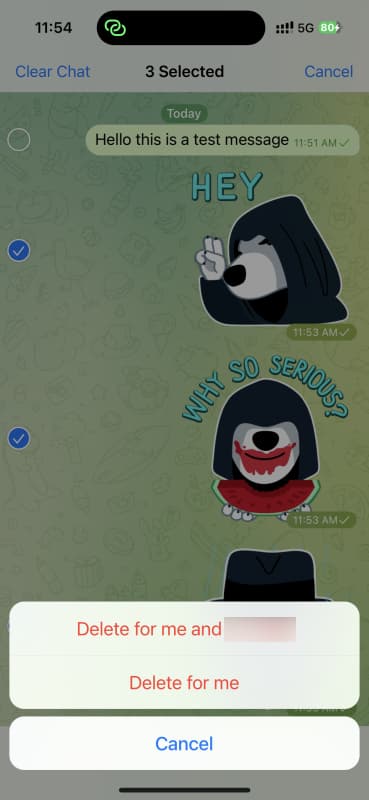
- Choose whether you want to delete messages just for yourself or for the recipient as well.
This is how you can delete messages for yourself on Telegram. The process is also the same for group chats. However, you cannot delete messages for the recipient in group conversations. If you have any questions or concerns, feel free to ask them in the comments section below.